An overview of all scenarios in the Anxiety module — including buttons and interaction options for each scene.
New to the software?
General information on the therapist software, text-to-speech, biofeedback data, and the AI dashboard can be found in the Software Basics section.
Software Description
Detailed description of activities, settings, and interaction options within the scenes.
Most scenarios begin in a standing position. However, there are also chairs and sofas in many scenarios. If you want the patient to sit down, you need to provide a physical chair for them to sit on.
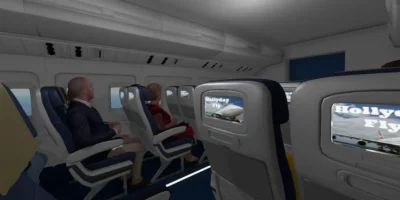
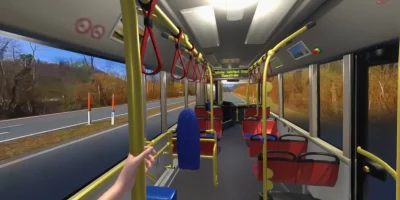


360-degree-films
This software package also includes 360-degree films.
In contrast to the scenarios, these contents are not computer-generated but developed using a 360-degree camera.
This allows for a panoramic view, but there is no physical movement capability.
Additionally, there are no settings or interaction options with films.
Since the camera tripod has been removed, some patients may get the impression that they are very high above the ground. In reality, it is exactly 170 centimeters, as the camera was positioned at that height.
If it fits the environment, we recommend using the films in a seated position, for example, with the nature scenes. In other cases, such as during the ride on a tram, a standing position would be more suitable.
Here is a list of films that contain more than one scene, along with a corresponding description of these scenes.
Change of films
Some films consist of multiple sub-scenes. Basically, there would be an automatic transition to the next scene after a short time. Here, we recommend selecting the relevant scene by clicking on it and activating the loop by clicking again. Patients can then remain in the respective scenes for an unlimited amount of time.
To switch from one film to the next, you must first return to the lobby to select and start another film.
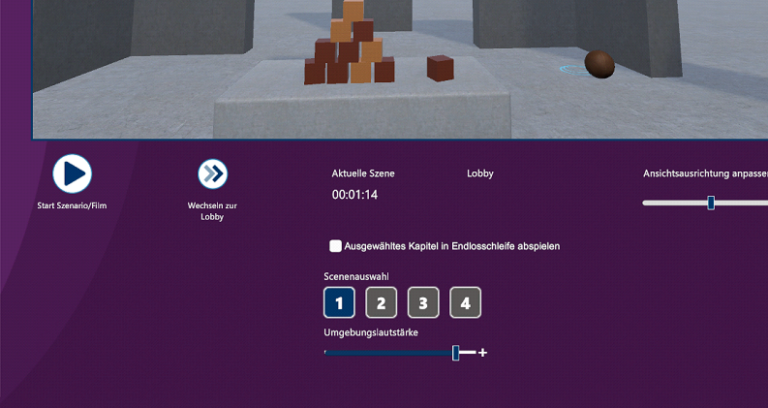
Elevator
Scene 1: The patient is alone in the elevator.
Scene 2: Other people are also in the elevator.
Public Park
Scene 1: One is sitting alone on a bench.
Scene 2: Other people are sitting very close on the benches.
Public Transport
Scene 1: One is standing at a tram stop.
Scene 2: One is standing in the tram, surrounded by other people.
Scene 3: One is standing at a bus stop.
Scene 4: One is sitting in the bus, surrounded by other people.
The Dentist
Scene 1: One is standing in front of the entrance door to the dental practice.
Scene 2: One is sitting in the waiting room with some other people.
Scene 3: One is standing in the treatment room, looking at the treatment chair.
Scene 4: One is in a reclined sitting position on the treatment chair, with an assistant standing behind holding various instruments.
Other films
Other films with only one scene:
- Audience in a seminar room
- Sun rise in Australia
- Lonely cove in Mallorca
- Waterfall in a primeval forest
- Winter Landscape
The loop is automatically activated here.
HERE, you can complete an online training that can provide additional ideas for using our VR system.
Unfortunately, the webinars and the training are currently only available in German! We are planning an AI-based translation into other languages as soon as possible.
If you don’t find answers here, we are happy to assist you by phone or email!