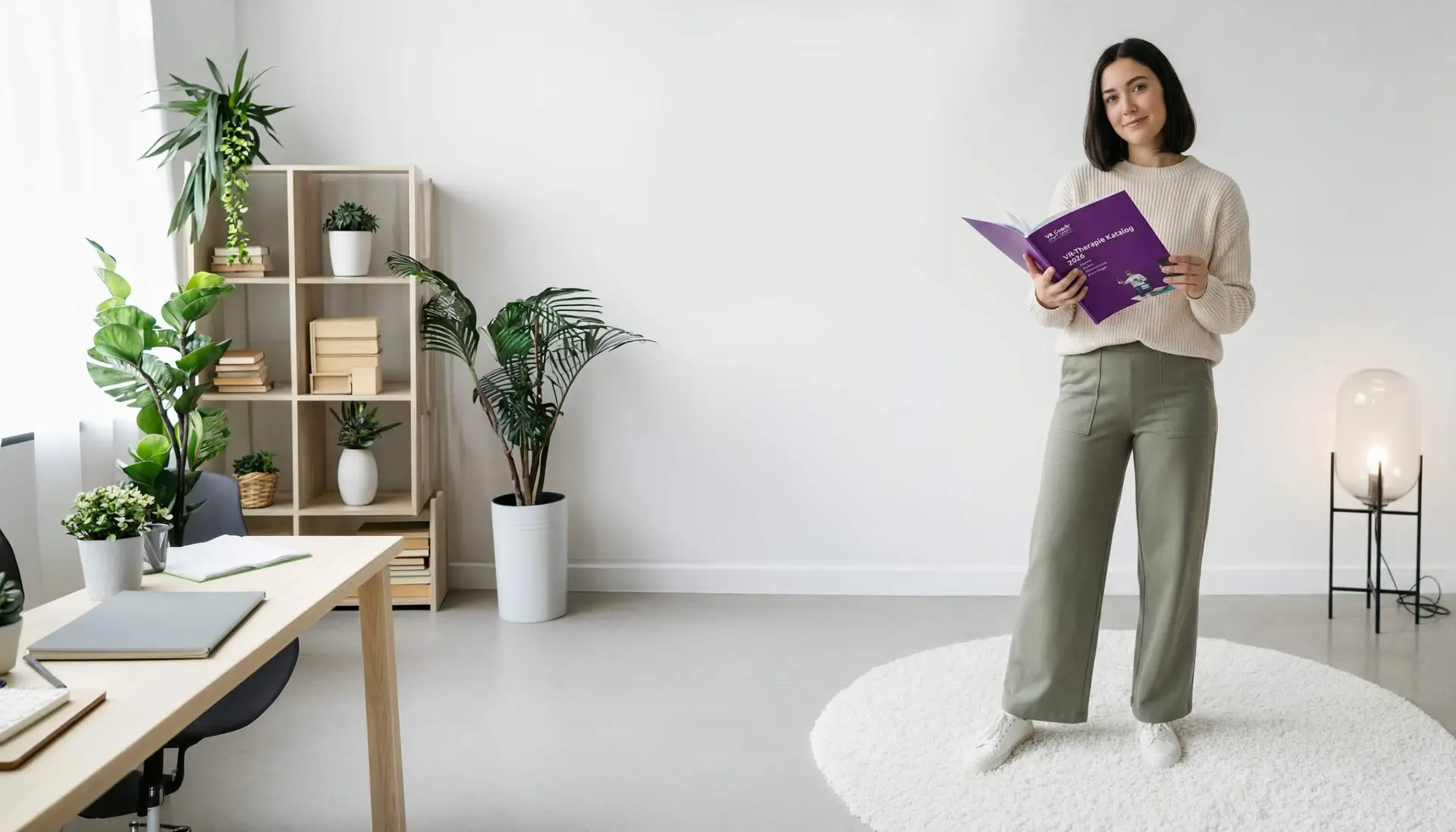
An overview of all scenarios in the Phobias module — including buttons and interaction options for each scene.
New to the software?
Learn how the tutorial, lobby, scenario switching and the client app dashboard work under Client App and Lobby.
Software Description
Detailed description of the activities, settings and interaction options in the scenes
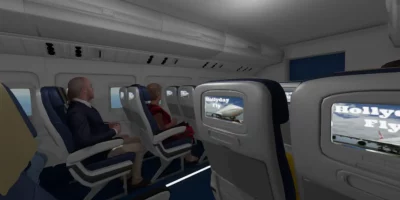
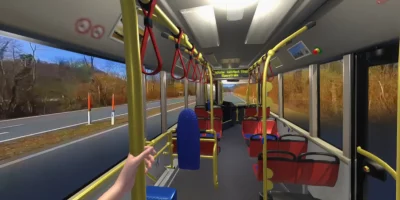
Most scenarios start in a standing position. However, many scenarios also include chairs and sofas. If you want the patient to sit down, you need to provide a physical chair for the patient to sit on.


VR Coach Academy
Please note: The seminars are conducted in German.
360-Degree Films
In addition to the scenarios, this module contains 360-degree films. They were shot with a real 360-degree camera: your patient can look around in all directions but cannot move. The films have no settings or interactions.
The camera was positioned at a height of 170 centimeters. Because the tripod was retouched out, the floor sometimes appears farther away. For nature settings, we recommend a seated position.
The following films are included in this module:
- Sun rise in Australia
- Secluded Cove in Mallorca
If you can’t find an answer here, we will be happy to help you by phone or in writing!